
Your sales team closes a deal, but then the real scramble begins when comes to searching for the latest proposal, updating pricing in quotes, editing contracts, attaching invoices, & struggling through folders for the right files.
What should be a smooth process turns into unnecessary back-and-forth that slows productivity and frustrates teams.
As businesses grow, document volume grows even faster. A few manual tasks can eventually become hours of administrative work every week, leading to delays, inconsistent information, and missed opportunities.
This is where smart automation becomes an integral part. Along with document automation, effective Salesforce file management plays a major role in keeping documents organized and accessible. Strong & efficient file management in Salesforce help teams reduce clutter, improve visibility, & focus on more time selling.
Why Sales Document Automation Matters
More customers mean more proposals, approvals, contracts, invoices, and supporting documents. When these processes remain manual, teams often spend more time preparing paperwork than engaging with customers.
According to Salesforce research, sales representatives spend close to 30% of their time on administrative work instead of selling activities. Repetitive document tasks are a major contributor to that lost productivity.
Poor document processes commonly lead to:
- Delayed sales cycles
- Duplicate files and inconsistent versions
- Manual data entry mistakes
- Difficulty finding important customer documents
- Increased workload for sales teams
Sales document automation helps remove these roadblocks by generating documents automatically using existing CRM data while maintaining structure through proper Salesforce document management.
Benefits of Automating Documents in Salesforce
Before discussing which documents should be automated, it is important to understand the impact automation delivers.
Faster Sales Cycles: Automated systems can generate documents instantly without any manual preparation.
Reduced Human Errors: Automation can reduce process errors by as much as 90% in repetitive workflows.
Better Customer Experience: Customers receive accurate information quickly, creating a smoother buying process.
Improved Scalability: Teams can handle larger sales volumes without increasing administrative workload.
Organized File Storage: Good Salesforce file management ensures teams can easily access, locate, and manage files without searching through multiple systems.
5 Must-Automate Sales Documents for Every Growing Business
- Sales Proposals:Sales proposals are the first detailed business document customers receive. They include pricing, solutions, timelines, and deliverables.
Manually creating proposals introduces risks:
- Incorrect pricing
- Outdated information
- Formatting inconsistencies
- Long turnaround times
Automating proposals allows businesses to:
- Pull customer information directly from CRM records
- Add product details automatically
- Maintain consistent branding
- Generate personalized proposals instantly
- Respond faster while maintaining accuracy.
- Quotes:Pricing changesfrequently. Discounts, package changes, and customer requests can quickly make manually prepared quotes outdated.
Automated quote generation helps businesses:
- Maintain real-time pricing accuracy
- Apply discounts automatically
- Reduce approval delays
- Create customer-ready quotes instantly
Instead of updating spreadsheets and copying information manually, sales representatives can focus on advancing opportunities.
- Contracts and Agreements:Contracts are among the most critical documents in any sales process. Even small mistakes can create legal issues or delay closures.
Automating contract creation helps teams:
- Use standardized legal language
- Pull customer information directly from Salesforce
- Reduce manual errors
- Route contracts for electronic signatures
- Invoices:After a deal closes, invoicing should happen quickly and accurately.
Manual invoice generation frequently causes:
- Billing errors
- Delayed payments
- Missing customer information
- Payment disputes
Automated invoices can:
- Pull product and customer details automatically
- Reduce manual work
- Improve billing accuracy
- Speed up payment processing
- Order Forms:Order formscontain essential customer, pricing, and product information that directly affects fulfilment.
Manual entry can lead to:
- Missing details
- Incorrect quantities
- Order processing delays
- Customer dissatisfaction
Automating order forms allows organizations to:
- Auto-fill customer data
- Maintain consistency
- Improve fulfilment accuracy
- Reduce processing time
How Better Salesforce File Management Supports Growth
Document automation alone is only part of the solution. As organizations scale, document volume increases rapidly.
Without proper organization, businesses often struggle with:
- Duplicate files
- Lost attachments
- Difficult searches
- Unorganized records
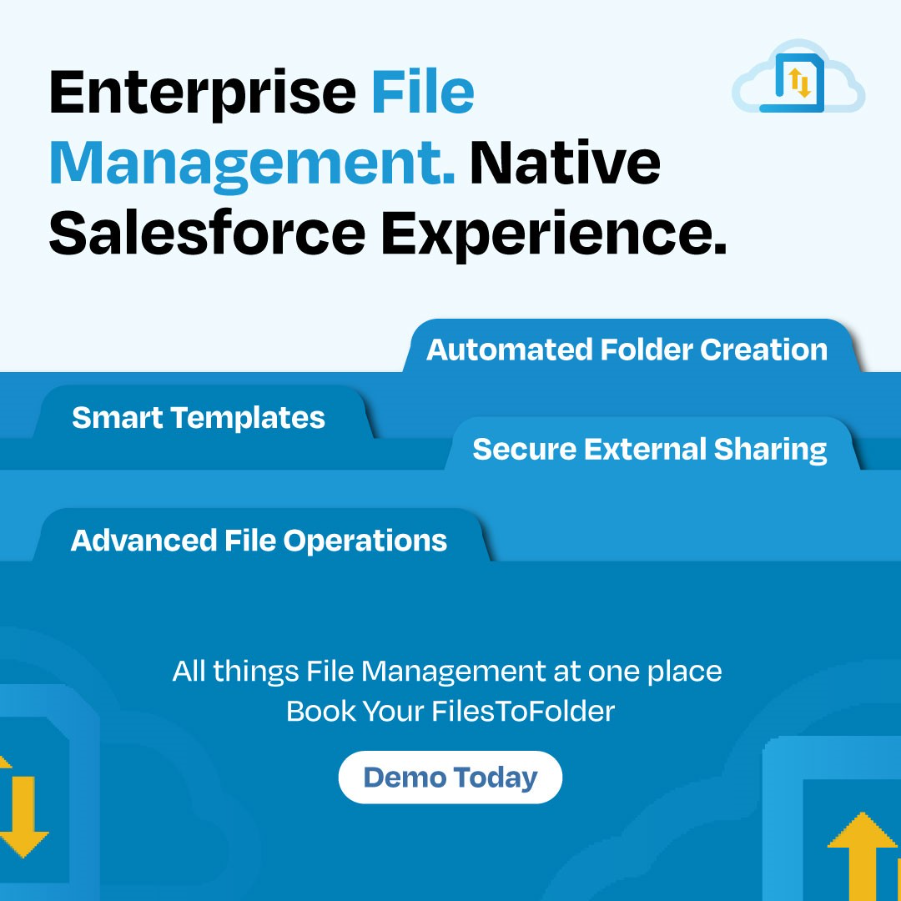
Strong Salesforce document management practices help businesses maintain visibility and control over growing document libraries.
Effective file management in Salesforce helps teams:
- Store documents in structured folders
- Locate files faster
- Reduce duplicate records
- Improve collaboration
- Maintain cleaner Salesforce environments
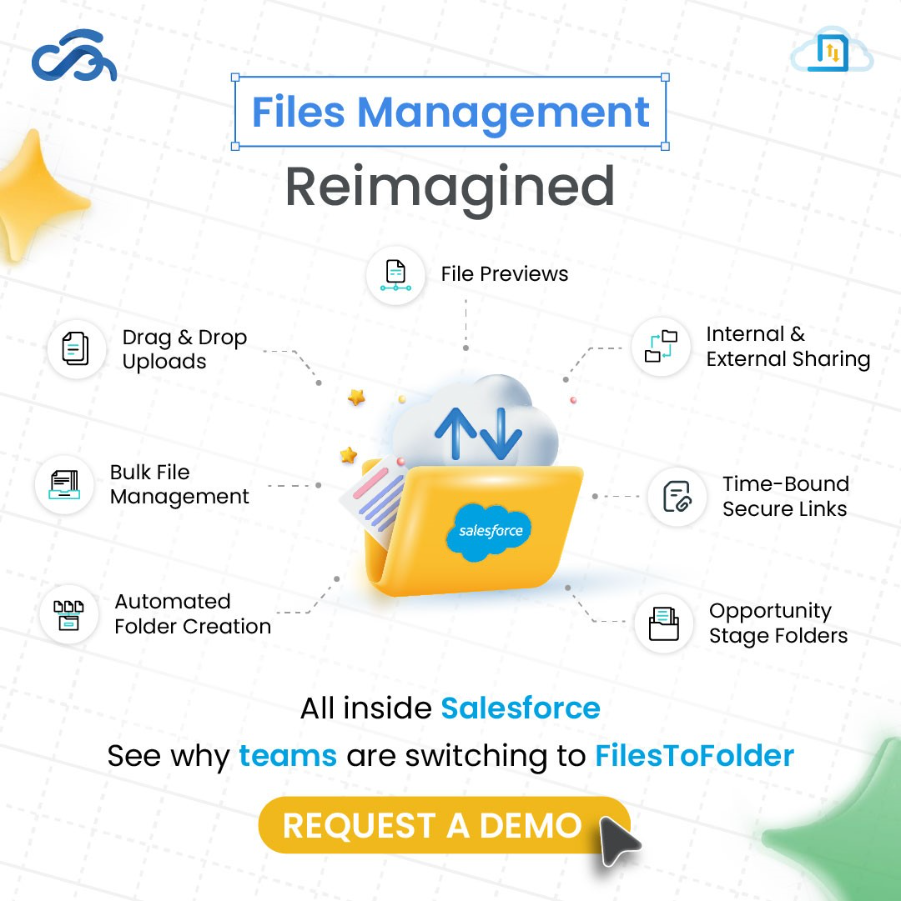
Automation works best when documents remain organized after creation. FilesToFolder App for Salesforce helps businesses improve Salesforce file management by automatically organizing files into structured folders based on records, business processes, or predefined rules.
Instead of teams manually sorting documents, FilesToFolder helps by:
- Automatically organizing Salesforce files
- Reducing clutter across records
- Improving document accessibility
- Supporting cleaner Salesforce document management
- Saving time spent searching for files
As document volumes increase, maintaining efficient file management in Salesforce becomes essential for keeping teams productive.
When combined with document generation tools, FilesToFolder creates a more organized and scalable document ecosystem inside Salesforce.
Conclusion
Growing businesses cannot afford to lose valuable time to repetitive document tasks. Manual document creation slows sales teams, increases errors, and creates unnecessary complexity. Automating critical documents such as proposals, quotes, contracts, invoices, and order forms helps businesses improve speed, consistency, and productivity.
At the same time, maintaining strong Salesforce file management processes becomes increasingly important as document volumes grow.
FilesToFolder App for Salesforce helps businesses strengthen file management in Salesforce by automatically organizing documents where teams need them most.
If your organization wants cleaner workflows, faster access to files, and a more efficient Salesforce environment, now is the time to simplify document organization and support long-term growth. Book a demo for FilesToFolder and experience next-gen Salesforce document management today!
Frequently Asked Questions (FAQs)
Why is Salesforce document management important for growing businesses?
As businesses scale, they generate more customer files, contracts, proposals, and invoices. Effective Salesforce document management helps organize these assets, reduce clutter, and improve access to important information.
What is file management in Salesforce?
File management in Salesforce refers to the process of organizing, storing, accessing, and maintaining files within Salesforce to improve efficiency and reduce manual work.
Which sales documents should be automated first?
Businesses typically start with:
- Proposals
- Quotes
- Contracts
- Invoices
- Order forms
These documents are repetitive and consume significant administrative time.
How does automation improve Salesforce file management?
Automation reduces manual effort by automatically generating, storing, and organizing files while maintaining consistency and reducing duplication.
How can FilesToFolder help with Salesforce file management?
FilesToFolder automatically organizes files into structured folders, helping businesses improve document visibility and simplify Salesforce document management.